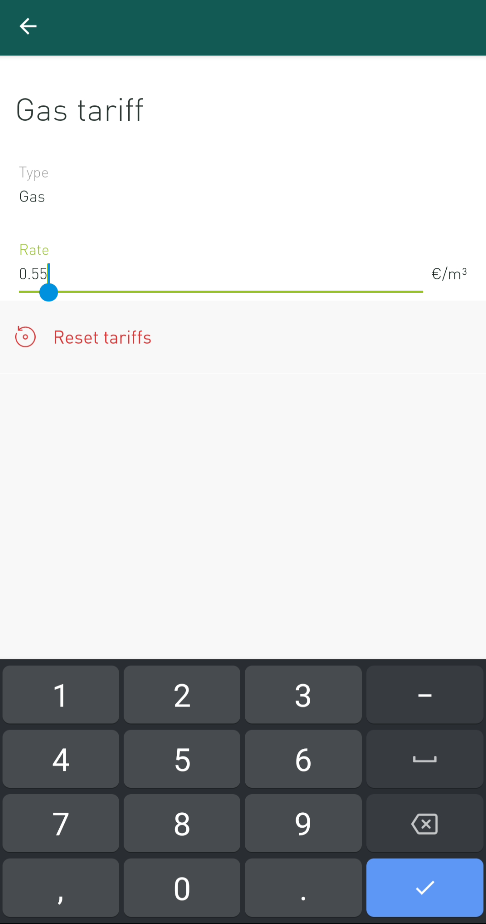
When installing a Smappee monitor a standard rate is applied to calculate the cost of your gas usage.
You can change the default tariff in the app. Select Settings > Your location(s) > Your tariffs.
Select Gas tariff.
Enter the new tariff value in the Rate text field and confirm the value on your keyboard ('V' sign in the example below)